
Imagine closing the month with fewer spreadsheets, more confident forecasts and time to advise the CEO. AI for financial planning brings machine learning to forecasting, scenario modeling, budgeting and cash flow management so FP&A teams spot risks and opportunities faster. Want to know which financial planning software, forecasting tools, KPI dashboards and automation solutions let you streamline finance, improve financial reporting, control costs and drive business growth?
Finsider’s QoE Reports makes that search simple by showing clear comparisons of CFO tools, vendor performance and ROI. It helps you pick the right tools for budgeting, forecasting, treasury management and consolidation without guesswork.
19 Top CFO Tools to Consider
1. Finsider
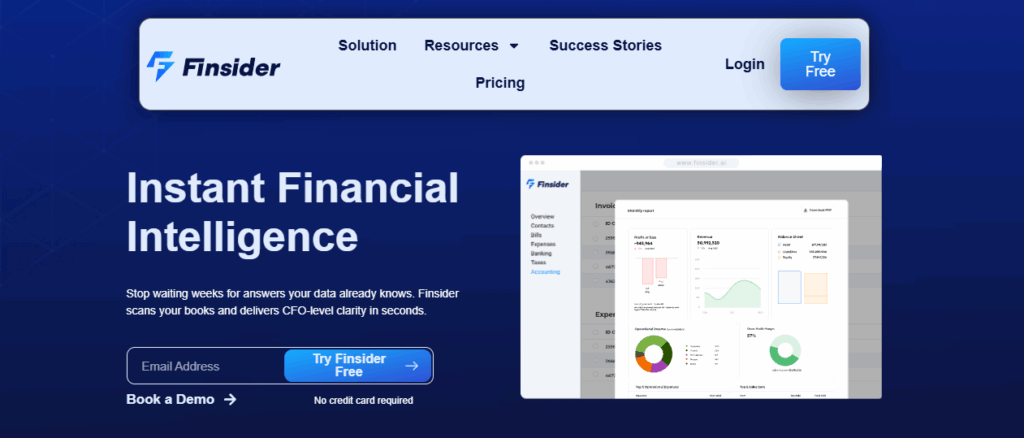
Finsider automates deep financial analysis and QoE reporting by connecting to client accounting systems and running a 74-point financial scan. The system flags anomalies, adjustments, and trends that manual reviews often miss, improving detection rates and accelerating due diligence workflows. Need to speed M&A review or portfolio-level oversight for multiple clients?
Standout Capabilities and Finance Use Cases
AI AI-powered QoE engine that analyzes complete ledgers to surface material issues and working capital trends. Centralized data and standardized reporting that scale across virtual CFO engagements. A deal-based performance guarantee that waives the first deal fee if the platform does not identify at least one material issue missed by your manual review.
2. Expensify
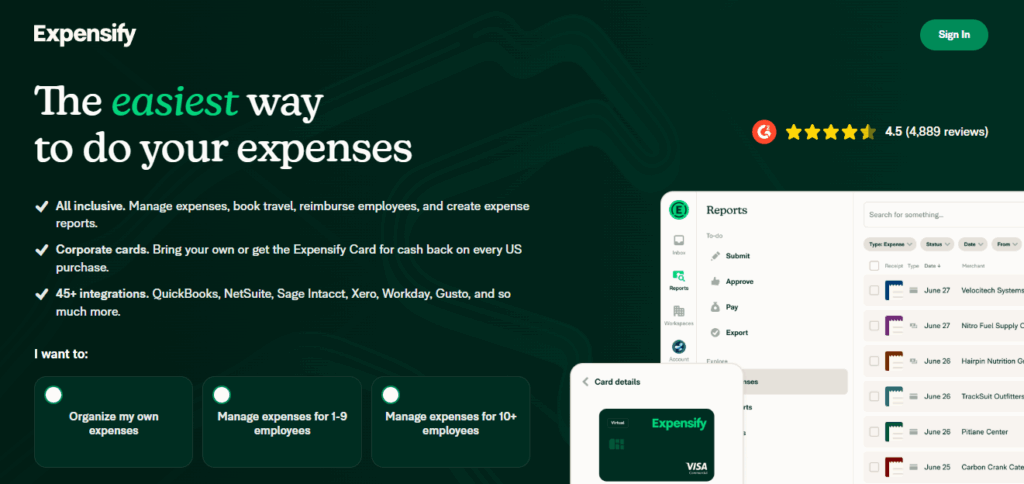
Expensify focuses on receipt scanning, automated expense extraction, and streamlined approvals for employees and finance teams. The app reconciles corporate cards and supports global reimbursements in multiple currencies while syncing to accounting systems for faster close and cleaner records.
Standout Capabilities and Finance Use Cases
Automatic receipt scanning to cut data entry, corporate card reconciliation with up to 2 percent cash back, integrations with accounting, HR, and travel systems, and invoicing that calculates taxes and fees automatically. Use it to enforce expense policy, speed reimbursements, and feed expense data into cash flow planning.
3. Ramp
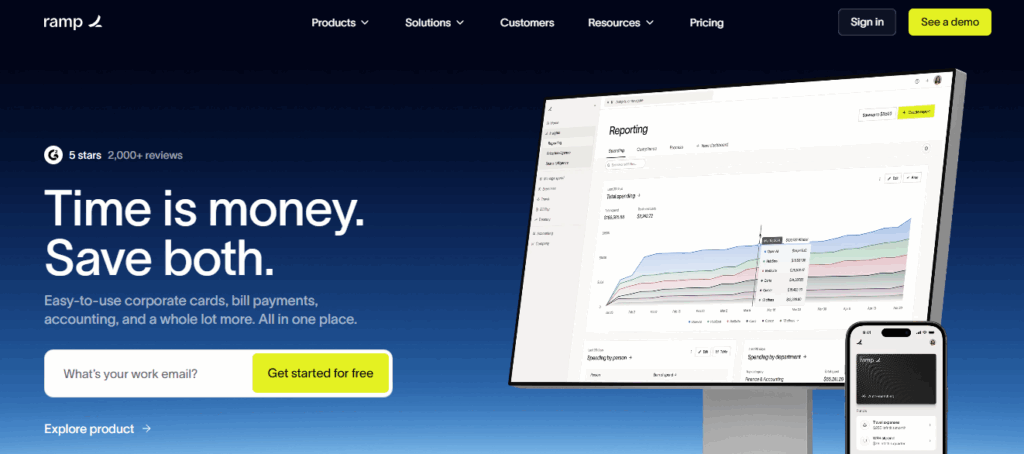
Ramp issues unlimited virtual and physical cards, enforces spend policies at the card level, and automates accounting workflows to reduce reconciliation time. The platform also runs automated invoice processing and vendor payments, which helps centralize payables and control cash flow.
Standout Capabilities and Finance Use Cases
Unlimited cards with spend controls, automatic receipt matching, invoice workflows and approvals, and AI-powered savings recommendations that flag cost-cutting opportunities. Ideal for policy enforcement, faster close of expense books, and recurring subscription cleanup.
4. Brex
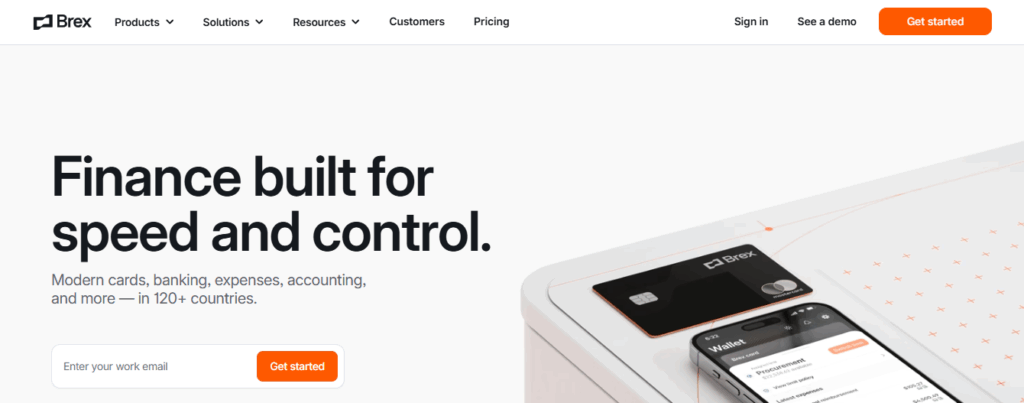
Brex combines corporate cards with policy automation, receipt capture, and accounting integrations to keep spend tied to budgets and ledgers. The platform supports travel and vendor bills while providing yield on balances that sit in the business account.
Standout Capabilities and Finance Use Cases
Physical and virtual cards with rewards on targeted categories, AI-assisted expense review and custom spend policies, travel and expense management, and a business account with attractive yields. Use Brex to control budgets, prevent overspend at purchase, and simplify reconciliation.
5. SAP Concur
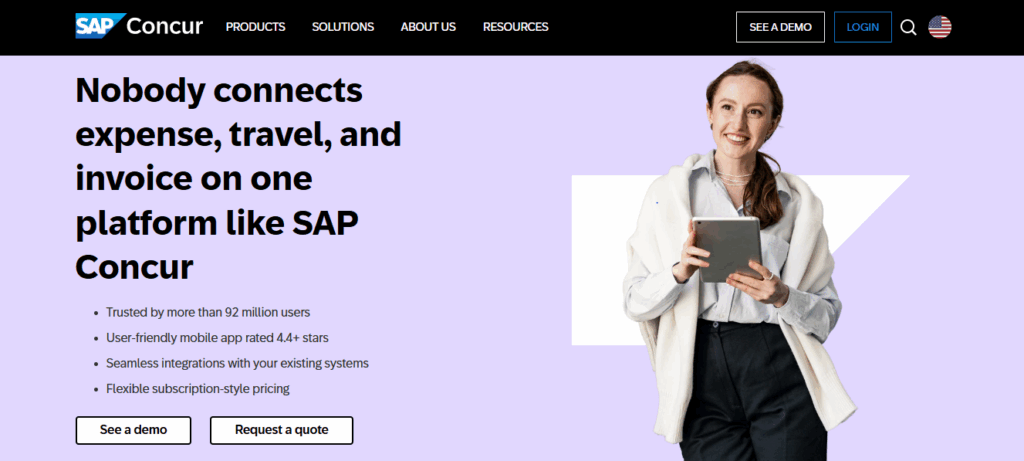
Concur centralizes travel bookings, corporate card feeds, receipts, and invoices into one cloud-based system. Finance teams get automated capture and policy enforcement plus analytics that measure travel and spend trends for better forecasting.
Standout Capabilities and Finance Use Cases
Automated expense capture across cards, travel bookings, and receipts, accounts payable automation to reduce non-compliant spend, robust analytics for spend visibility, and extensive integrations with ERP and accounting systems. Concur helps tighten spend governance and improve month-end accuracy.
6. Navan
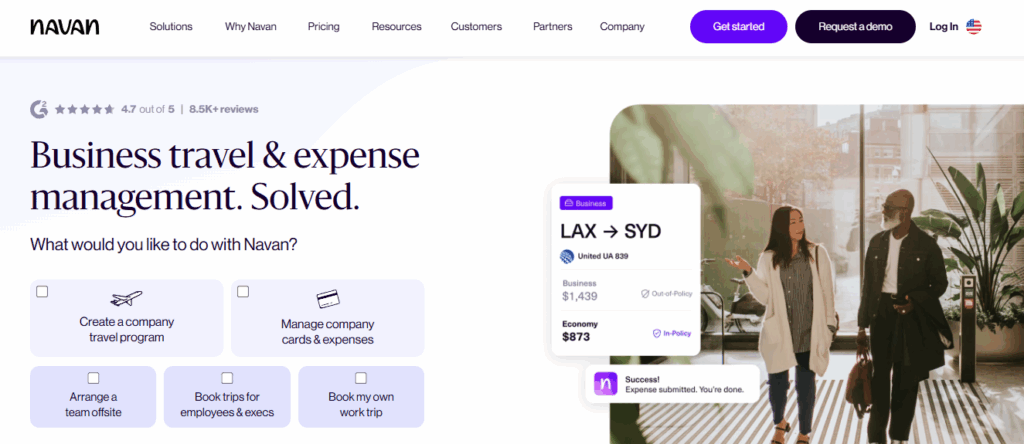
Navan blends business travel booking with expense management and global reimbursement across many currencies. The solution automates expense categorization and reconciliation while enforcing spend rules at the time of purchase.
Standout Capabilities and Finance Use Cases
Automated reconciliation to lower manual effort, enforced spend controls that block out-of-policy purchases, analytics to flag trends and improve forecasting, and 24/7 travel support plus exclusive booking deals. Use Navan to align travel budgets with cash flow plans and reduce reconciliation backlogs.
7. Xero
Xero connects to thousands of banks worldwide and automates routine tasks like invoices and reconciliation. It also supports inventory and job tracking, so small businesses can link operations to financial planning and forecasting.
Standout Capabilities and Finance Use Cases
Automated invoice reminders and payment solutions, inventory workflows for operational performance, daily reconciliation to keep books current, and job tracking for project-level budgeting and billing. Xero works well for tight bookkeeping controls and rolling cash flow models.
8. QuickBooks

QuickBooks offers invoicing, expense tracking, bill pay, tax features and reporting that help small and mid-sized companies finance operations without heavy IT support. The platform integrates with many apps to keep ledgers clean and tax-ready.
Standout Capabilities and Finance Use Cases
Smart invoicing to accelerate receivables, auto categorization of expenses with receipt uploads, on-demand experts for tax help in select plans, and income statement and balance sheet reporting. Use QuickBooks to centralize bookkeeping and produce regular management reports.
9. FreshBooks
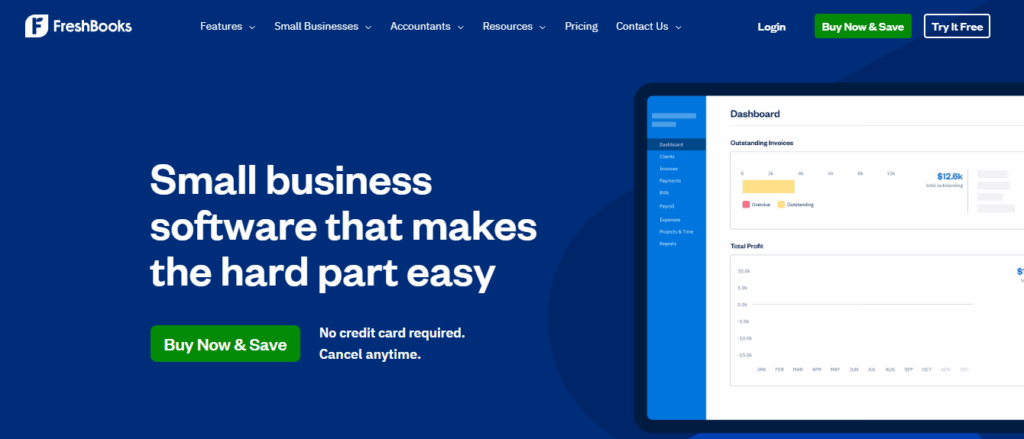
FreshBooks focuses on invoicing, proposals and time-based billing while offering double-entry accounting and expense capture. The interface supports client proposals and simplifies trust between finance and revenue operations.
Standout Capabilities and Finance Use Cases
Customizable invoice generation, mobile receipt scanning, proposal templates for client work, vendor bill pay, and budgeting tools. FreshBooks suits firms that need project-level profitability and simple reconciliation for cash flow management.
10. NetSuite
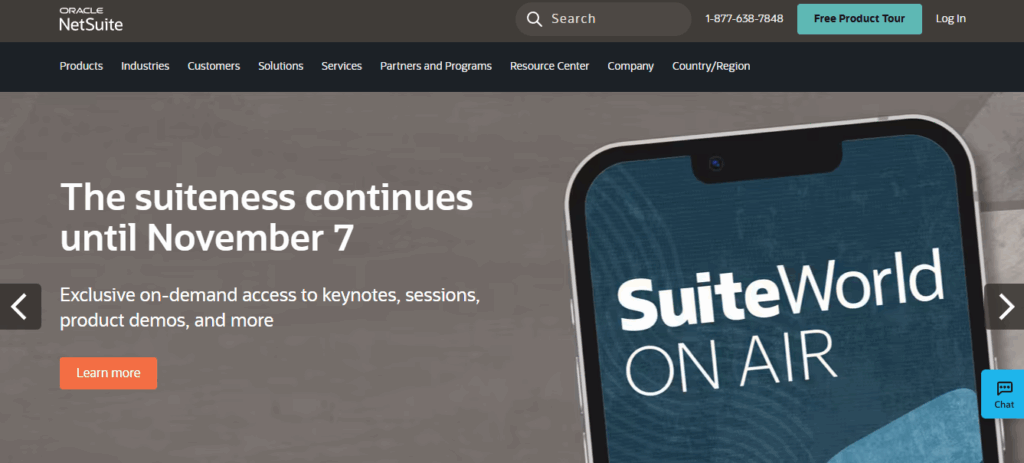
Oracle NetSuite combines core financials with inventory CRM and subscription billing. The system supports complex consolidations and delivers financial statements that meet accounting standards for larger, small, and mid-market firms.
Standout Capabilities and Finance Use Cases
Financial reporting, budgeting, and forecasting that support GAAP statements, invoicing for multiple pricing models and subscriptions, general ledger reconciliation and invoice to purchase order matching, and expense submission and approval. NetSuite helps coordinate accounting and finance operations and operational planning at scale.
11. Workiva
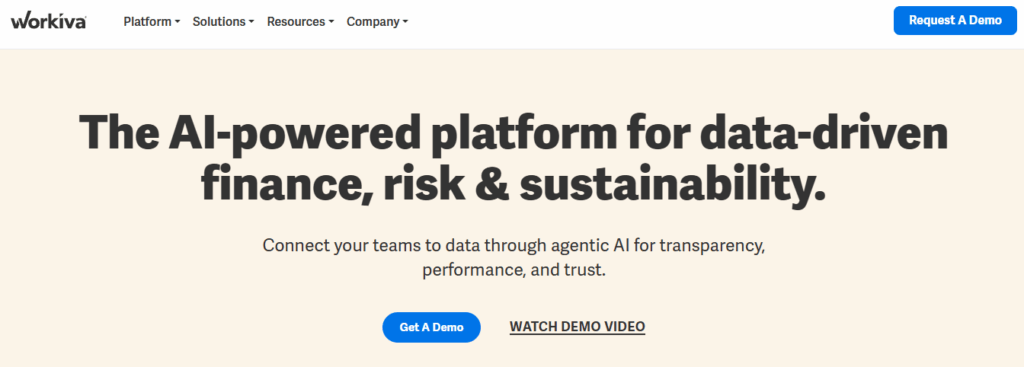
Workiva links narrative and numbers across regulatory SOX and ESG workflows. The platform provides live audit trails and a generative AI assistant that drafts narratives while keeping source data traceable.
Standout Capabilities and Finance Use Cases
Gen AI assistant that pulls context directly from documents, built in compliance controls with audit-ready traceability, and automated SOX testing and disclosure workflows. Use Workiva to reduce manual control documentation and to speed regulatory reporting cycles.
12. MindBridge
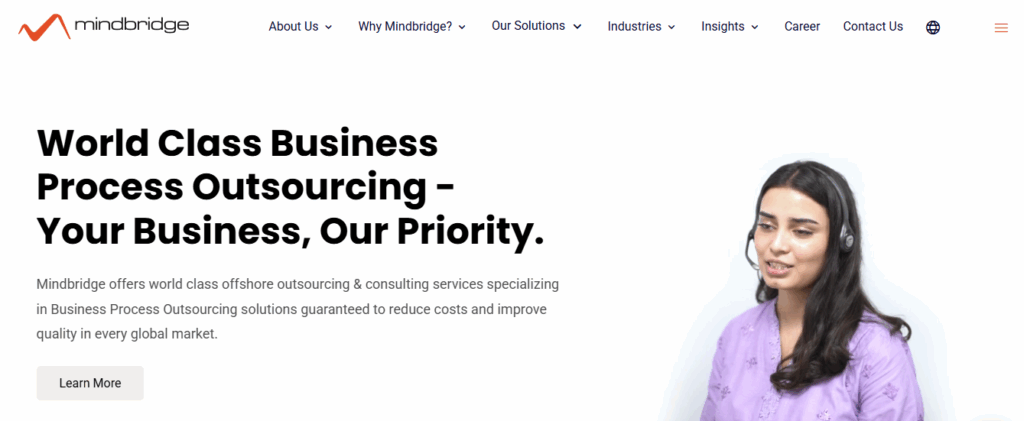
MindBridge analyzes whole populations of transactions to surface fraud errors and control weaknesses ahead of audits. The system uses AI to score entries and visualize anomalies so finance teams can focus investigative effort where it matters most.
Standout Capabilities and Finance Use Cases
Real time AI scoring with dashboards and anomaly explanations, continuous monitoring to detect fraud or internal control issues, and integration with enterprise data services like Microsoft Fabric. Use MindBridge to shorten audit cycles and reduce control risk.
13. Datarails
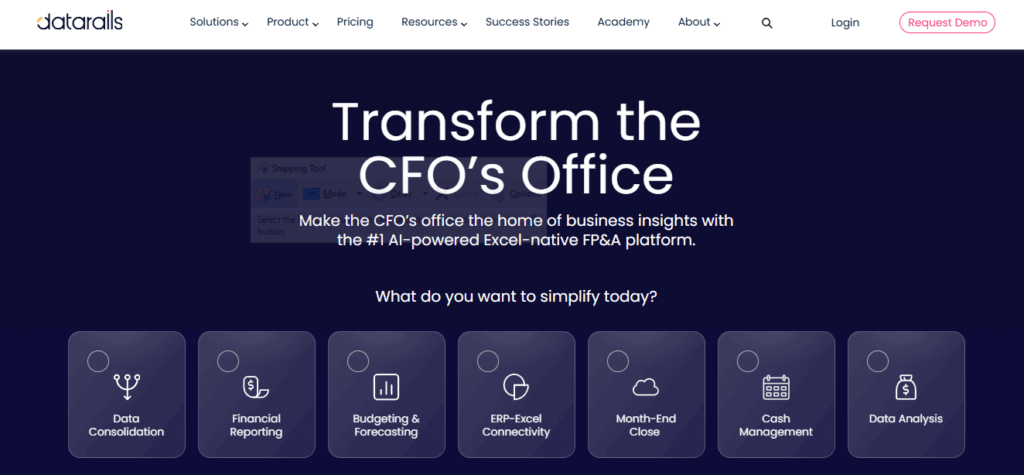
Datarails scales FP A by pulling data into a single source of truth while keeping finance teams in Excel. It automates consolidation forecasting and reporting and offers an AI Q A chat to answer questions in natural language.
Standout Capabilities and Finance Use Cases
Centralize and auto-refresh budgets and forecasts, run what-if scenarios, visualize departmental impacts, preserve existing Excel models with version control and collaboration, and deploy rapidly, often within two weeks. Use Datarails to accelerate closing cycles and improve scenario planning.
14. Cube
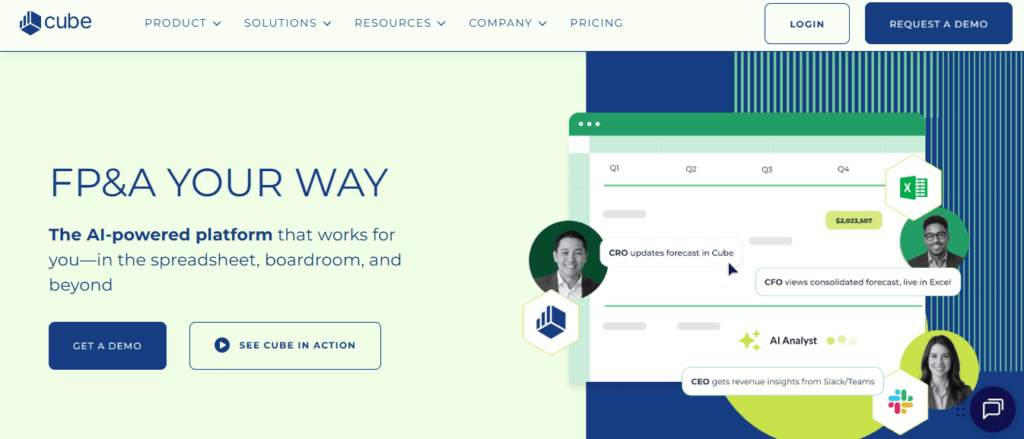
Cube links Excel and Google Sheets to core systems for rolling forecasts, scenario modeling, and plain language queries. It enables continuous planning so forecasts update with live data and teams can test assumptions quickly.
Standout Capabilities and Finance Use Cases
Seamless integration with spreadsheets and ERPs, built-in forecasting engines and AI coaching, natural language queries via chat or collaboration platforms, and scenario tools for top-down and bottom-up planning. Cube helps finance teams keep forecasts current and decision-ready.
15. Ramp
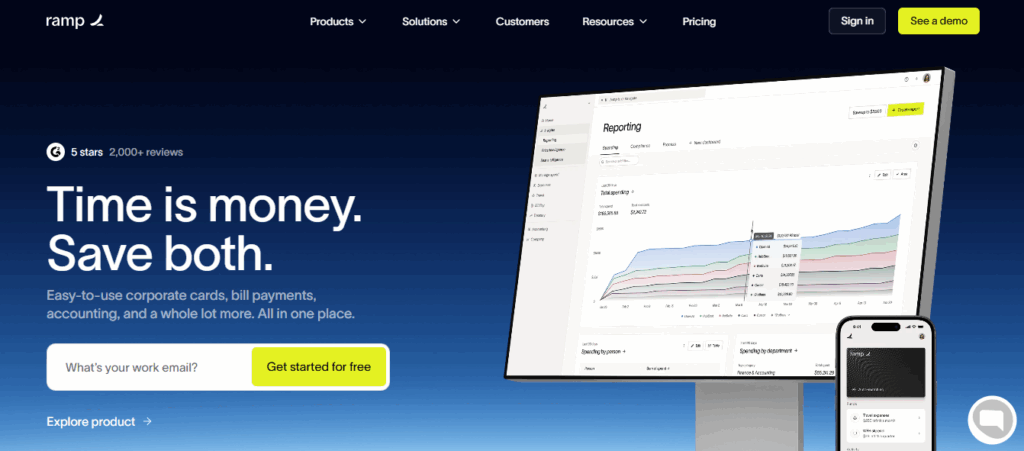
Ramp automates receipt capture and matches expenses to cards while highlighting duplicates and unused subscriptions. Real-time policy enforcement reduces out-of-policy spend and speeds reconciliation.
Standout Capabilities and Finance Use Cases
24/7 policy enforcement with merchant and card-level controls, auto lock cards for breaches, transparent spend intelligence, and alerts for overspend. Use Ramp to tighten control over corporate spend and to improve predictability in cash flow.
16. Brex
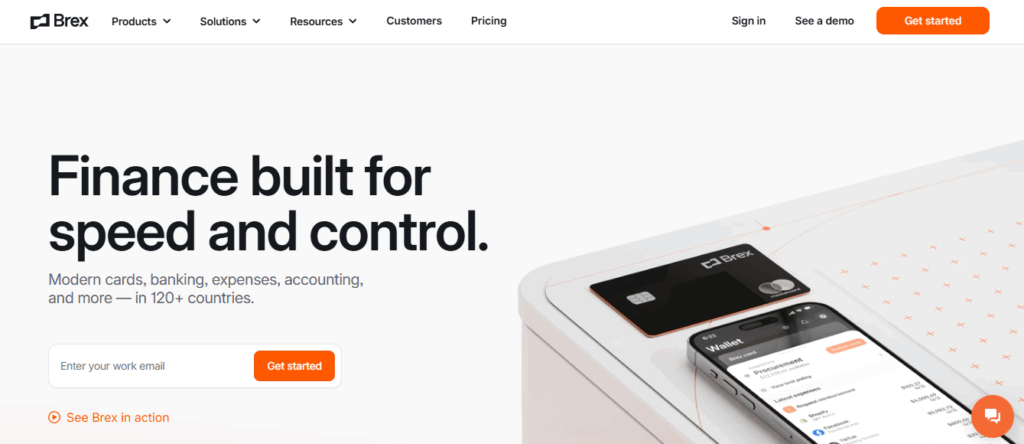
Brex issues virtual cards tied to budgets and projects while running AI checks to prevent overspend at purchase. The platform supports high credit limits without personal guarantees and integrates with accounting systems for automated reconciliation.
Standout Capabilities and Finance Use Cases
Real-time budget checks and virtual card management, an AI assistant that flags anomalies and recommends optimizations, high limits, and a strong mobile experience. Brex is helpful for project-level spend control and faster P&L reconciliation.
17. Validis
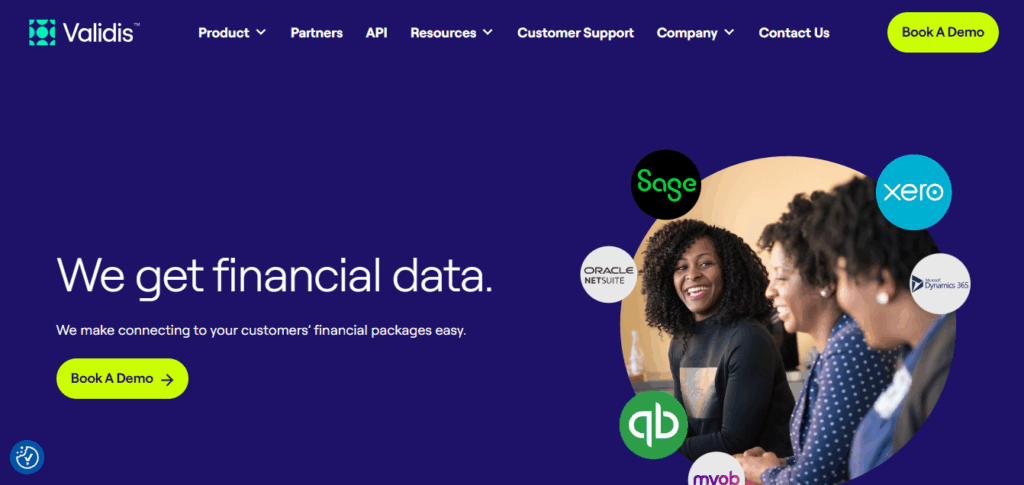
Validis connects to accounting systems to extract complete or selective financial histories with encryption and standardized schemas. The portal scales across multiple clients or entities so auditors and advisory teams can prepare clean datasets rapidly.
Standout Capabilities and Finance Use Cases
Choice of full or selective extraction for GL P&L, AR, and AP, secure scalable portal with audit-grade encryption, and fast prep of data sets for audit analytics or covenant monitoring. Use Validis to reduce manual data collection and to speed compliance workflows.
18. Power BI with Copilot
Power BI delivers dashboards and visual analytics, while Copilot lets users ask questions and generate insights in plain language. The combo shortens the path from raw feeds to actionable commentary and charts.
Standout Capabilities and Finance Use Cases
Live dashboards that update from ERP and accounting feeds, natural language queries like show revenue variance by region with chart output and narrative, deep Excel and Microsoft ecosystem integration, and accelerated insight generation for reporting cycles. Use this setup to democratize analytics across finance and operations.
19. Alteryx
Alteryx automates the cleaning, combining, and modeling of financial data from ERP GL systems and transaction logs. Finance teams use it to build repeatable workflows that cut reconciliation time and improve report preparation before close.
Standout Capabilities and Finance Use Cases
The drag-and-drop workflow builder reduces reliance on IT, offers scalable processing for high-volume data sets, and automates reconciliation and report generation. Use Alteryx to standardize data pipelines for forecasting consolidation and audit readiness.
Related Reading
Key Features to Look for in CFO Tools

Look for CFO platforms that link directly to core systems such as QuickBooks, Xero, NetSuite, ERP systems, payroll providers, and merchant accounts. Good connectors pull in transactions, invoices, payroll runs, and bank feeds so you avoid manual data entry.
Check for open APIs, prebuilt connectors, and support for webhooks or middleware so you can map accounts, normalize ledgers, and preserve data lineage. Does the tool show sync status, error logs, and last updated timestamps? Those signals tell you whether the feed is reliable for cash flow and financial reporting.
Automate the Boring Stuff: Workflows That Save Time
Automation should remove repetitive finance work while keeping controls tight. Expect automated bank reconciliation, recurring journal entries, expense capture, and report scheduling.
Workflow automation should include approval routing for invoices and purchase orders, automatic classification using machine learning, and scheduled close tasks for month-end. Look for integrations with expense and bill pay platforms like Expensify and Bill.com so approvals and payments flow without spreadsheet handoffs. The goal is fewer manual steps and more consistent financial records.
Predict the Future: Forecasting and Scenario Modeling
A strong forecasting engine supports rolling forecasts, driver-based models, and scenario comparison. Build scenarios for hiring, pricing changes, funding events, or demand shocks and run sensitivity tests on revenue growth rates or burn rate.
Features to watch include cash runway calculators, adjustable assumptions by period, version control for multiple forecast versions, and Monte Carlo simulations if you need probabilistic risk. Can you push scenario changes into P&L, balance sheet, and cash flow views? That capability helps you stress test decisions before you commit cash.
Shared Control: Collaboration Built for Finance Teams
Choose CFO tools that let accountants, CFOs, owners, and advisors work in the same workspace with explicit permissions. Multi-user dashboards, client portals, comment threads, and task assignments reduce back and forth over email and PDFs.
Role-based access and granular permissions protect sensitive accounts while enabling finance and ops to review the same KPIs. Look for audit trails and change history so you can trace who edited numbers and when, and integrations with Slack or Microsoft Teams for real-time flags and approvals.
Insight at a Glance: Custom Dashboards and Reports
You need dashboards that spotlight the right KPIs for each audience. The tool should let you build widgets for revenue by product, gross margin, burn rate, AR days, AP days, and cash balance. Drill down from charts into transactions and variance details.
Support for white labeled presentations, scheduled exports to Excel and PDF, and mobile access keep stakeholders informed. Use alerts and threshold triggers to surface anomalies before they affect decisions rather than after the fact.
Lock It Down: Security and Compliance for Financial Data
Protect financial data with encryption in transit and at rest, multi-factor authentication, single sign-on, and strict access controls. Seek platforms with SOC 2 Type 2 audits, ISO 27001 certification, and clear policies for data residency and backups.
Audit logs, segregation of duties, and tamper-evident records support internal controls and external audits. Confirm the vendor runs third-party penetration tests and posts a responsible disclosure policy so security issues get handled quickly.
How to Choose the Right CFO Tool for Your Business

Start by listing the outcomes you need:
- Faster monthly close
- Driver-based planning
- Rolling forecasts
- Cash flow management
- Multi-entity consolidation
- Audit-ready reporting
A small company often values real-time dashboards, automated P&L and cash flow reports, and simple budget versus actual tracking. A larger company needs scenario modeling, intercompany accounting, compliance controls, and treasury features that handle high transaction volumes. Which capabilities solve your immediate pain, and which must scale over three years
Make Integration a Must: Ensure Data Flows, Not Manual Work
The CFO tool should connect natively to your ERP, CRM, payroll, and accounting platforms, such as:
- QuickBooks
- NetSuite
- Xero
Through APIs or secure data connectors. Look for automated data mapping, bi-directional sync, an audit trail, and out-of-the-box connectors to BI and data warehouse tools so you avoid spreadsheets and reconcile once. Ask whether real-time feeds, batch imports, or ETL are supported and test those connectors during your trial.
Prioritize Usability and Support: Adoption Beats Features Every Time
A powerful forecasting engine means little if controllers avoid it.
Evaluate the:
- User interface
- Role-based access
- In-product help
- Templates
- The vendors onboarding plan
Confirm training options, SLA for support, customer success touchpoints, and community resources. Run a pilot with end users and measure time to first value to catch adoption blockers early
Plan For Scale and Security: Performance Under Growth
Verify the platform handles more users, more entities, and larger data volumes without slowdowns. Check for single sign-on, permission controls, SOC 2 or ISO compliance, and encryption at rest and in transit. Confirm how the vendor manages backups, disaster recovery, and upgrades to avoid surprises during growth.
Compare Total Cost With Strategic Value: Price Against Measurable Outcomes
Look past license fees and model total cost of ownership, including:
- Implementation
- Integrations
- Customization
- Support
Estimate time saved on close and reporting, reduction in reconciliation errors, faster deal diligence, and better forecast accuracy. Use KPIs such as days to close, forecast variance, cost per client, and headcount leverage to calculate payback and decide which pricing model aligns with your margin.s
Run Scenario Tests and Reference Checks: Proof Over Promise
Ask for a sandbox to import your data and run a forecast, consolidation, and a variance analysis. Request reference calls with customers in your industry and with similar transaction volumes. Validate vendor roadmaps for features like machine learning driven anomaly detection, model-based scenario planning, and automated compliance checks.
Governance, Audit, and Controls: Build Trust Into The Process
Confirm audit logs, change history, and approval workflows that support compliance and external audits. Ensure the tool captures data lineage from source documents to report and that reconciliations are traceable. Define how you will enforce controls across users and entities in the tool.
Decision Checklist: Quick Filter Before You Commit
- Does it connect to your accounting systems and BI stack?
- Can non-finance users run standard reports?
- Will it scale with transactions and entities?
What is the actual implementation timeline and cost? Use a weighted scorecard for integrations, forecasting, usability, security, and TCO, and compare finalists directly
Finsider AI: Faster, Smarter Financial Scans
Ready to deliver QoE reports 60% faster while identifying issues that manual reviews miss? Finsider’s AI-powered financial analysis platform connects to your client’s accounting systems. It performs a comprehensive 74-point scan in minutes, catching 95% of material issues compared to just 65% with traditional methods, freeing your team to serve more clients with lower costs and reduced risk.
Book a demo today and experience our deal-based guarantee: if our AI does not identify at least one material issue your manual review missed, your first deal is completely free.
Related Reading
Why CFOs are Turning to Digital Tools

The role of finance is expanding from close and compliance to forecasting, risk management, and operational steering. Leaders must deliver faster financial reporting, clearer cash flow visibility, and scenario-based forecasting while keeping controls intact. That requires tools that connect ERP, treasury, CRM, and payroll to produce real-time dashboards, rolling forecasts, and audit-ready reporting.
Automation is Replacing Repetitive Work: And Freeing Talent
According to McKinsey, nearly 60 percent of financial activities can now be fully or almost fully automated. Tasks such as reconciliations, accounts payable and receivable processing, consolidation, and standard reporting are ripe for automation.
When robots handle the routine work, finance teams shift to FP&A, variance analysis, and strategic modeling that influence pricing, capital allocation, and performance management.
Why AI Moves From Hype to Practical Use
A 2023 Ernst Young survey found 99 percent of financial services leaders reporting some form of AI deployment, with all respondents using or planning to use generative AI. By 2025, Nvidia reports that 60 percent of executive leaders recognize AI as a driver of business success.
Generative AI and predictive analytics now generate narratives for results, surface anomalies, and accelerate budgeting by creating first-pass forecasts and scenarios that finance professionals then refine.
Integrated Analytics Gives a Single Source of Truth
Connecting data from sales, operations, HR, and procurement produces a unified view of cash, margins, and working capital. Cloud finance platforms, data warehouses, and embedded business intelligence let CFOs run scenario planning and sensitivity analysis in hours rather than days. Which systems should you link first to remove blind spots and improve cash forecasting accuracy?
Controls, Compliance, and Auditability Stay Central
Automation and AI do not replace controls. Reconciliation automation, continuous close, and an immutable audit trail improve compliance while reducing manual error. Treasury and spend management tools enforce policy, speed payments, and provide reconciled cash positions for stress testing and bank covenant reporting.
What CFO Tools Deliver Day to Day
CFO tools now bundle budgeting and forecasting, consolidation and close, KPI dashboards, scenario modeling, and cash flow forecasting with workflows and approvals. Expect natural language queries, automated journal entries, and embedded analytics that push alerts for margin erosion or vendor risk.
These features shorten close cycles, improve forecast accuracy, and increase the influence of finance in commercial decisions.
Adoption Roadblocks and Practical Priorities
Common obstacles include poor data quality, fragmented systems, governance gaps, and limited analytics skills. Prioritize a target operating model, a clean chart of accounts, data lineage, and a phased rollout that pairs automation with role-based training. Which process will you automate first to free up capacity for strategic planning?
Complex numbers show why action matters: nearly 60 percent of activities can be automated, 99 percent of financial firms report AI use, and 60 percent of executives see AI as a business advantage, all pointing to an acceleration in the adoption of cash management, financial planning and analysis, forecasting, and integrated reporting tools.
Deliver QoE Reports 60% Faster with Finsider
Finsider delivers QoE reports 60% faster while identifying issues that manual reviews miss. The AI-powered financial analysis platform connects to your client accounting systems and runs a comprehensive 74-point scan in minutes.
It finds 95 percent of material issues compared with about 65 percent for traditional methods, so your team can serve more clients at lower cost and with less operational risk.
How the 74 Point Scan Works and Why It Fits CFO Toolkits
The 74-point scan maps to core CFO tasks:
- GL reconciliation
- Trial balance review
- Transaction-level testing
- Revenue cut off
- Expense classification
- Balance sheet substantiation
It uses rules-based checks, anomaly detection, and statistical sampling tied to financial modeling and forecasting assumptions. Results feed directly into KPI dashboards, variance analysis reports, and deal models so you can view findings alongside cash flow and scenario analysis.
Accuracy Metrics That Matter to Finance Leaders
Catching 95 percent of material issues means fewer surprises during M&A due diligence, fewer restatements, and cleaner financial projections. Traditional manual reviews achieve around 65 percent accuracy in practice due to sampling limits and human fatigue.
Finsider boosts detection rates for revenue recognition errors, related party transactions, and misclassified expenses while flagging unusual vendor patterns for deeper review.
Integration and Connectivity with Your ERP and Accounting Stack
Finsider plugs into common ERPs and accounting systems through secure API connections and file ingestion. It supports cloud-based and on-prem deployments and reads journal entries, subledger details, bank feeds, and payroll exports.
That integration lets CFOs and controllers keep their existing forecasting and budgeting tools while adding automated audit automation and GL level analytics.
Workflow Automation and Team Productivity Gains
The platform automates routine reconciliations, generates standardized QoE templates, and routes exceptions to reviewers with role-based access. That reduces repetitive tasks so senior analysts focus on complex financial modeling, scenario planning, and client conversations. Want to scale your practice without hiring at the same pace? This is how you extend capacity across multiple engagements.
Security Controls, Compliance, and Audit Trail
Finsider enforces encryption at rest and in transit, maintains an immutable audit trail for every data extract and review step, and supports SOC and ISO controls relevant to finance and compliance. It logs reviewer comments, evidence attachments, and sign-offs so you can defend findings in diligence or regulatory reviews.
Deal Based Guarantee That Puts Confidence on the Table
Book a demo today and experience our deal-based guarantee: if our AI doesn’t identify at least one material issue your manual review missed, your first deal is completely free. Bring a sample engagement, and we will run the scan against your client data so you can see side-by-side outputs and issue locations.
Use Cases CFOs and Financial Planning Teams Actually Use
Use Finsider for QoE in sell-side and buy-side diligence, carve out readiness, buy price allocation inputs, and post-close integration checks. Finance teams use it to speed monthly close reconciliations, validate forecast drivers, and improve cash flow projections. Advisory firms combine Finsider with valuation models and KPI reporting to shorten deal timelines.
Implementation Timeline and Onboarding Workflow
Connect, map the chart of accounts, and run the 74-point scan in days, not weeks. Training focuses on exception triage, custom rule creation, and embedding outputs into your financial reporting templates. Support includes APIs for automated extracts into your budgeting and forecasting systems so the platform becomes part of daily CFO workflows.
Measuring ROI: Cost Per Engagement and Time Saved
Calculate savings from reduced review hours, lower risk of deal delays, and fewer post-close adjustments. When QoE reports are complete 60 percent faster and detection rises to 95 percent, billable time shifts from low-value checking to high-value advisory and strategy work. How quickly would your firm use that freed capacity to take on more clients or higher complexity deals?